Creating a request
In the Workplace solution , you can add a service request for a meeting room / workspace or report an issue that you have encountered there.
Procedure
1. At the bottom of your screen, tap Create request.
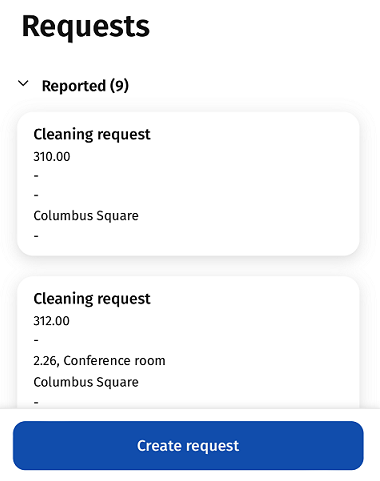
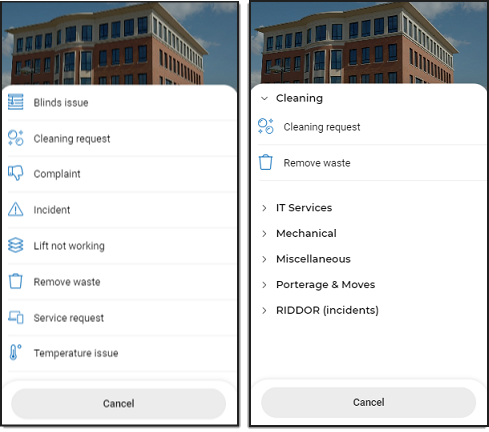
The New request page is displayed.
2. Type (part of) a search term in the search bar or select the drop-down of a relevant category, for example Cleaning, and tap the request form.
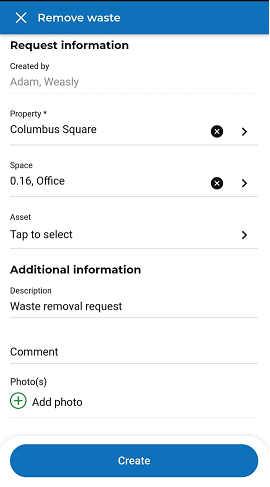
3. Fill in data on the form and add attachment(s), if required.
 | The property is automatically filled with your location (location settings in the Workplace solution ). However, if you open a request form by scanning an asset / space, the property and space of the scanned asset / space are filled in. |
4. Tap Create.
The request is added to the Reported section. The back-office can now start working on it.