Booking start page
The Bookings module is easy to navigate and use.
The Start page displays your upcoming reservations for the day, along with recommended and additional booking options. The Upcoming reservations list displays the date, start time and end time of each reservation, as well as its status, allowing you to quickly see the booked timeframe and current status of your (recurring) bookings. Up to seven fields can be shown in this list, depending on your configuration.
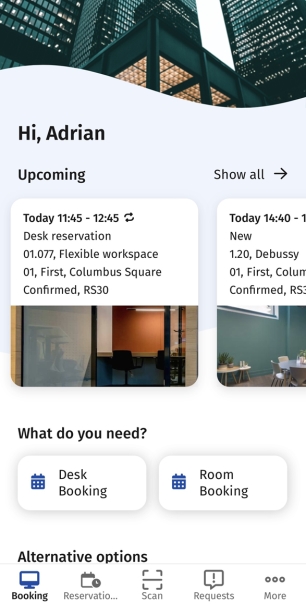
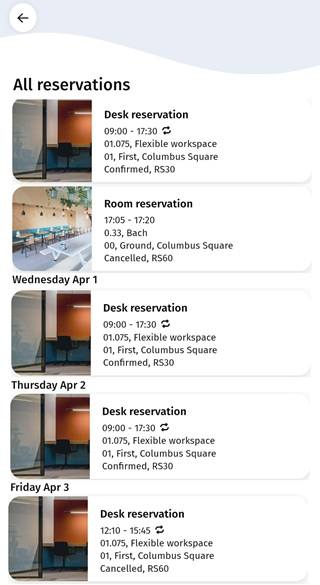
At the top right, you can select Show all to open the Reservation list page, which displays all your reservations, both current and future. This list can include additional details, such as the reservation status, and supports displaying more fields. Up to seven fields can be shown in this list, depending on your configuration.
Depending on your app configuration, you may be able to access additional booking options on your start page. Such additions might for example include booking of a Classroom, Office equipment, Cubicle and so on.