Process overview
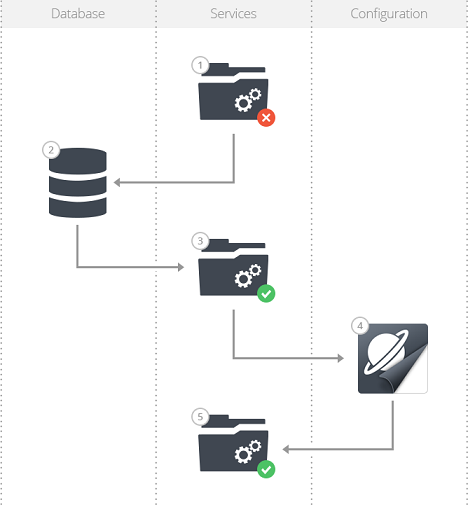
The following picture and table illustrate the steps to be taken in the process of getting a Planon environment operational following a database refresh.
Step | Description | Reference |
1. | Disable customizations* Stop the services / application pools | |
2. | Import database and configure the database connection | |
3. | Start the services | |
4. | Configure in Planon | |
5. | Enable customizations* |
* Optional step(s)