TSI configuration: Migrate to Activity planner step action
1. Go to the TSIs navigation group.
2. Select the Maintenance planner TSI.
3. Open the Maintenance plans step.
4. Go to Step settings.
5. Add the Migrate to activity planner step action.
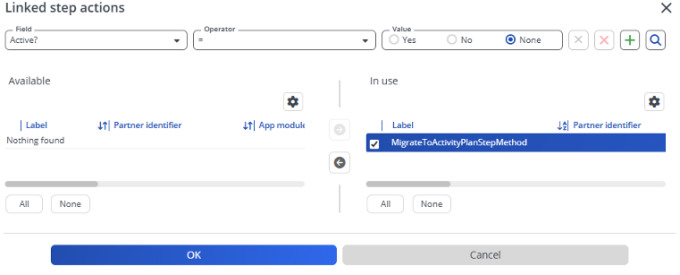
For more information, see this demo.