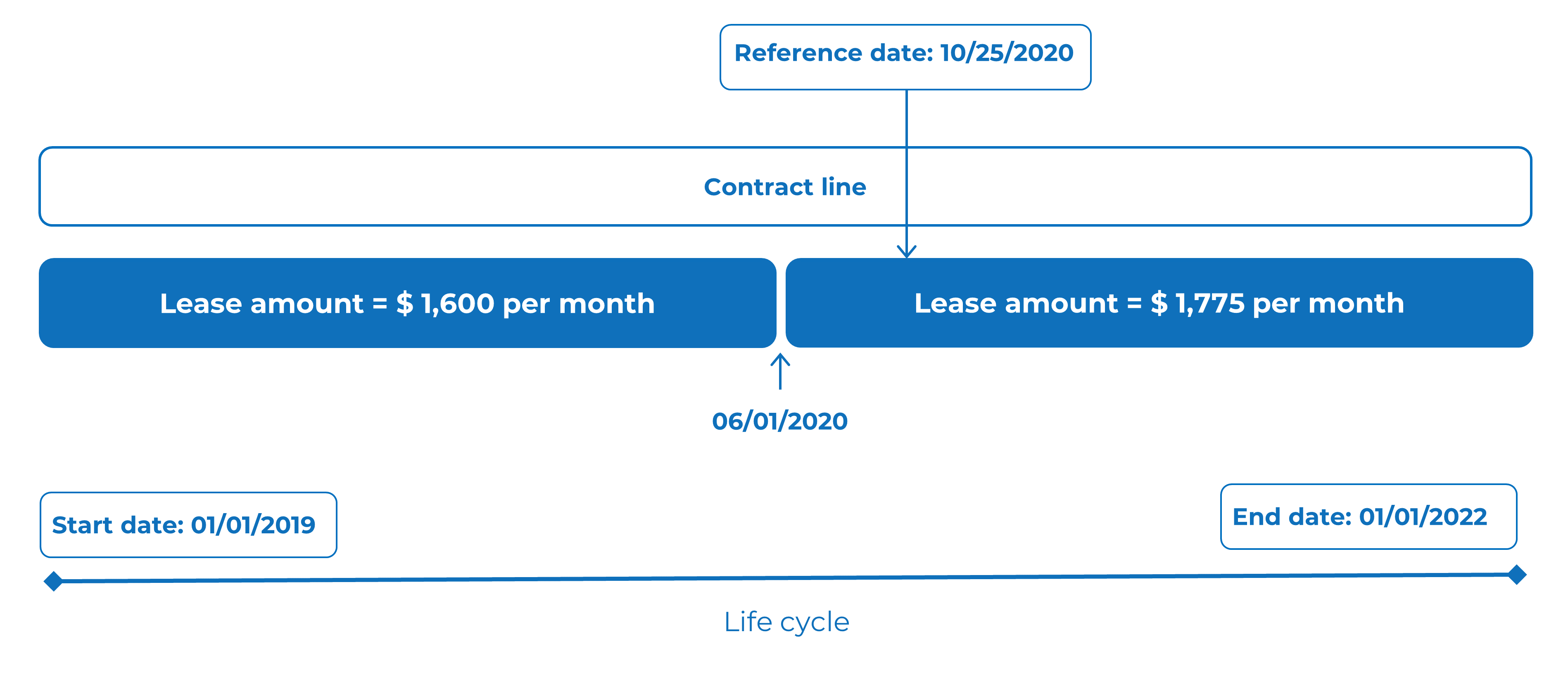
Reference date
A reference date allows you to view time-dependent data for a specific moment.
When you set a reference date, the system shows only elements that are valid for that date. For example, it can display elements whose start date is on or before the reference date and whose end date is on or after it.
You can use the reference date to review the status of a contract or contract line at a particular point in time.
By default, the system uses the current system date as the reference date. You can select any past or future date from the calendar.
The reference date filter is enabled by default. You can disable it by selecting Deactivate reference date.